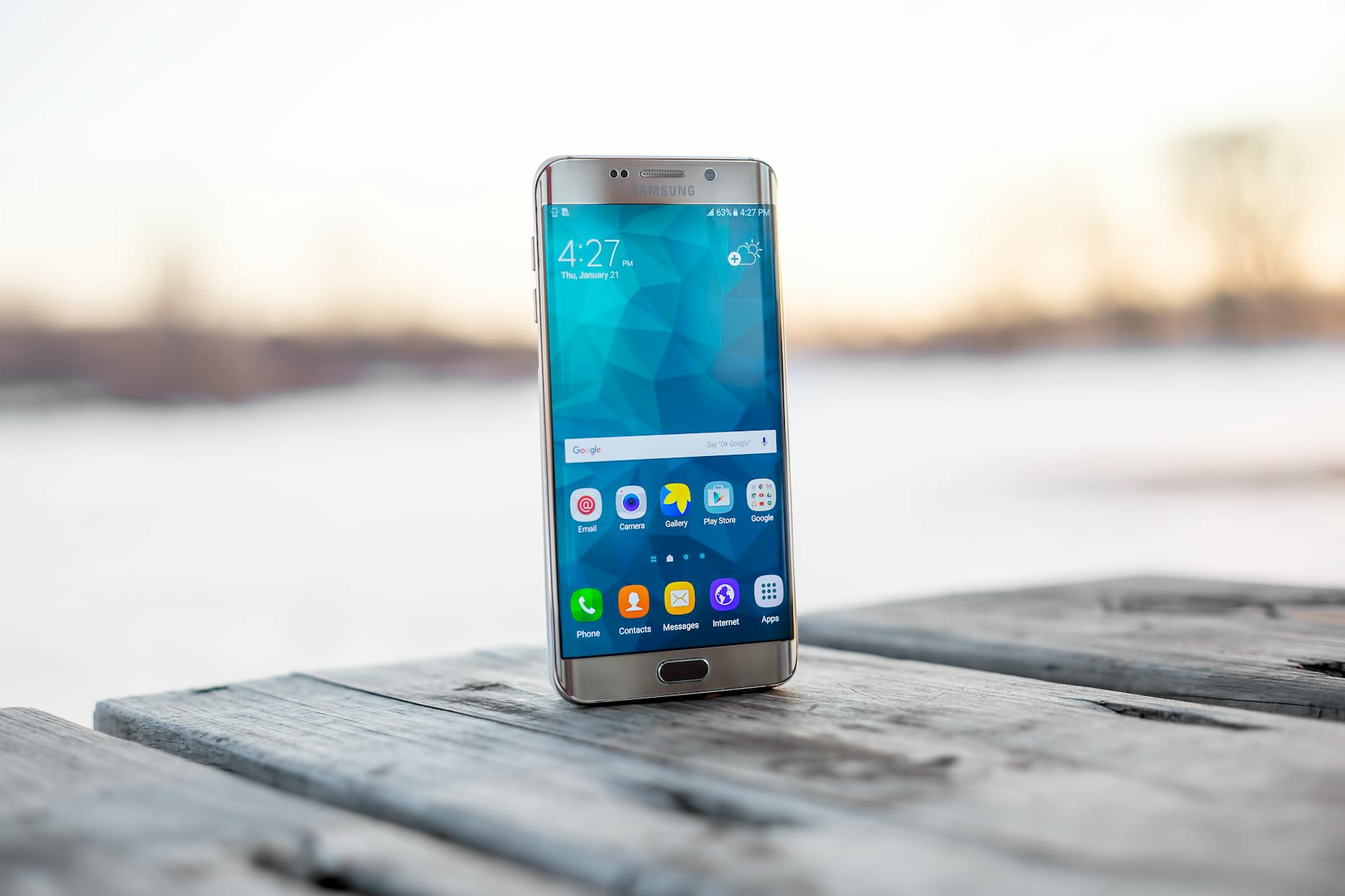
How to Turn On SMS Delivery Reports on Samsung Galaxy Phones
An SMS delivery report is a notification from your mobile network confirming that a text message reached the recipient's handset. On a Samsung Galaxy phone it is switched on inside the messaging app settings, but it only works if your carrier supports the feature on your line.
That definition matters because most of the frustration around delivery reports comes from a simple misunderstanding: people expect the phone to do the confirming, when in reality the phone is only displaying what the network tells it. Once you separate those two roles, everything else - the missing toggle, the report that never arrives, the message that shows as delivered but clearly was not read - starts to make sense.
This guide walks through turning the feature on, diagnosing why it might be unavailable, and reading the results correctly, with specific attention to how the four major Nigerian networks handle it.
Table of Contents
- What an SMS delivery report actually confirms
- How to turn on SMS delivery reports on a Samsung Galaxy phone
- Why the delivery report option is missing or greyed out
- How SMS delivery reports work on Nigerian networks
- Using SMS delivery reports to judge a bulk SMS campaign
- Frequently Asked Questions
- Getting the Most from Your SMS Delivery Reports
What an SMS delivery report actually confirms
Delivery report vs read receipt: the network confirms arrival, not that the message was opened
A delivery report tells you one thing: the message reached the recipient's handset. It does not tell you the person opened it, read it, understood it, or acted on it. Those are read receipts, and they are a different mechanism entirely - one that depends on the recipient's phone and app cooperating, which is why read receipts are unreliable across different phone brands and messaging apps.
For person-to-person texting, this distinction is mostly academic. For a business sending a promotional SMS to a customer list, it is critical. A delivered report means the message landed on the handset. It does not mean the customer saw it, and it certainly does not mean they bought anything.
Why the report comes from your carrier, not from the Samsung Messages app
Samsung Messages is a display layer. It sends your text to the network and then waits for the network to send back a status. The carrier generates that status. This is why the same Samsung Galaxy model can show delivery reports on one SIM card and stay silent on another - the phone is identical, but the networks behind the two SIMs are not.
This also explains a common confusion: people switch phones, see the reports disappear, and assume the new phone is faulty. More often, the new phone is on a different network, or the same network but a different plan, and the carrier has simply not enabled the feature on that line.
What a missing report can mean: phone off, no signal, full inbox or a blocked number
When a delivery report does not arrive, the message may still have been delivered. The absence of a report is not proof of failure. Common reasons a report goes missing:
- The recipient's phone was switched off when the message was sent, and the network held the message for later delivery.
- The recipient was in an area with no signal, so the handset could not acknowledge receipt.
- The recipient's inbox was full, which can cause the handset to reject the message.
- The recipient blocked your number, in which case the network may never generate a delivery confirmation for you.
In each of these cases, the message may eventually arrive, or it may not. The report is a signal, not a verdict.
How to turn on SMS delivery reports on a Samsung Galaxy phone
Open Samsung Messages, tap the three-dot menu and go to Settings
On most Samsung Galaxy phones, Samsung Messages is the default texting app. Open it, tap the three vertical dots in the top right corner, and select Settings. From there, look for Text messages. The delivery report toggle usually sits inside that menu. Switch it on.
The exact wording varies slightly by One UI version - some builds label it "Delivery reports," others "SMS delivery report" - but the location is consistent across recent Galaxy models.
Find the delivery report toggle under Text messages and switch it on
Once inside the Text messages menu, the toggle is typically a simple on/off switch. Turn it on. There is no save button; the setting applies immediately. If the toggle is greyed out or missing entirely, jump to the next section - that is a carrier issue, not a phone issue.
Check the same setting in Google Messages if that is your default SMS app
Many Samsung users have switched to Google Messages as their default texting app, either by choice or because a carrier or region pushed it as the default. If Google Messages is handling your texts, the Samsung Messages setting is irrelevant. Open Google Messages, tap your profile icon or the three-dot menu, go to Settings, then Messages settings, and look for delivery reports under the advanced or text message section. The path differs slightly by version, but the toggle is there.
Confirm the toggle stuck by sending a test SMS to a second phone you control
Settings can appear to save and then quietly revert, especially after an app update. The only reliable confirmation is a live test. Send a plain SMS to a second phone you own or can borrow, on a different network if possible. Watch for the delivery report to appear under the sent message. If it does, the feature is working. If it does not, the problem is almost certainly on the carrier side.
Why the delivery report option is missing or greyed out
Your carrier does not support SMS delivery reports on your line
This is the most common reason. SMS delivery reports are a carrier feature, not a phone feature, and not every Nigerian line has it enabled by default. Some prepaid plans include it; others do not. Some networks enable it automatically; others require a USSD code or a call to customer care. If the toggle is greyed out, contact your network provider and ask specifically whether delivery reports are enabled on your line.
The SIM is new, inactive or on a plan that strips the feature
A newly activated SIM may not have the feature provisioned yet. The same applies to SIMs that have been dormant and are being reactivated, or to corporate plans where the account administrator has disabled certain messaging features. If you recently changed plans or swapped SIMs, that is the first thing to check.
App updates can move or hide the toggle, so check both messaging apps
Samsung and Google both push regular updates to their messaging apps, and those updates occasionally relocate settings. A toggle that was under Text messages last month might be under Advanced settings this month, or it might have been removed from one app and added to the other. If you cannot find it, check both Samsung Messages and Google Messages before concluding the feature is gone.
Dual-SIM phones apply the setting per SIM, not globally
On dual-SIM Samsung Galaxy phones, the delivery report setting is applied per SIM. Enabling it on SIM 1 does not enable it on SIM 2. If you use two lines - say, a personal MTN line and a work Airtel line - you need to set the toggle separately for each. This trips up a lot of people who enable the feature, test it on one line, and then wonder why the other line never shows reports.
How SMS delivery reports work on Nigerian networks
MTN, Airtel, Glo and 9mobile handle delivery reports differently, so test your own line
There is no single national standard for how delivery reports are provisioned. MTN, Airtel, Glo and 9mobile each manage the feature according to their own network configuration, and the behaviour can vary by plan type, region and even SIM generation. A setting that works on one MTN line may not work on another MTN line on a different plan. The only reliable test is your own line: send a message, watch for the report, and if it does not arrive, call customer care and ask directly.
Delivery reports on bulk sender IDs versus person-to-person SMS
When you send an SMS from your personal phone to a friend, the delivery report travels back through the same network path the message took. When a business sends a bulk SMS campaign using a sender ID, the delivery report travels back to the bulk SMS platform, not to a handset. The platform then displays the results in a dashboard.
This is an important distinction for Nigerian businesses. A sender ID is a short alphanumeric string - often the business name - that replaces a phone number in the recipient's message list. Delivery reports for sender ID messages are collected by the platform that sent them, and the quality of those reports depends heavily on the platform's route quality and its relationships with the carriers.
Why reports can lag during network congestion or festive peak periods
Nigerian networks experience predictable congestion around major holidays - Christmas, New Year, Eid, and other festive periods - when message volume spikes. During these windows, delivery reports can lag by hours or arrive in batches long after the message was sent. This is normal and does not mean the messages failed. It means the network is busy processing acknowledgements. If you are running a time-sensitive campaign, build in a buffer and do not panic when reports slow down.
Using SMS delivery reports to judge a bulk SMS campaign
Separate submitted, delivered and failed counts before drawing conclusions
A good bulk SMS dashboard shows three distinct numbers: messages submitted, messages delivered, and messages failed. These are not the same thing, and conflating them leads to bad decisions. Submitted means the platform accepted the message and handed it to the network. Delivered means the network confirmed the message reached the handset. Failed means the network rejected the message or could not deliver it.
If you see a high submitted count and a low delivered count, the problem is likely route quality or bad numbers. If you see a high delivered count and low engagement, the problem is the message itself, not the delivery.
A delivered report is not proof the recipient read or acted on the message
This bears repeating because it is the most common analytical error in bulk SMS reporting. A delivered report confirms arrival at the handset. It says nothing about whether the recipient opened the message, read it, or responded. If you want to measure engagement, you need a different mechanism - a reply keyword, a clickable link, or a follow-up call. Delivery reports measure reach, not response.
Use failed-message patterns to clean contact lists and adjust send times
Failed messages are not just noise; they are data. If a cluster of failures comes from a specific number range, those numbers may be invalid or disconnected. If failures spike at a particular time of day, the network may be congested. If failures cluster around a specific network, the route to that network may be weak. Each pattern points to a different fix: clean the list, change the send time, or talk to your provider about routing.
This is the kind of thing Sendam is built for - a number parser that flags bad numbers before you spend a unit, and delivery reports that explain failures in plain language rather than just saying "failed." For a deeper walkthrough of campaign mechanics, see our guide on how to send bulk SMS in Nigeria.
Check sender ID registration and route quality with your provider when failures cluster
If failures are widespread and not explained by bad numbers or network congestion, the issue may be sender ID registration or route quality. In Nigeria, sender IDs must be registered with the networks before they can be used for bulk messaging, and an unregistered or improperly registered sender ID can cause messages to be filtered or rejected. Ask your provider for the status of your sender ID and for a breakdown of delivery rates by network. A provider that cannot give you that breakdown is a provider worth questioning.
Frequently Asked Questions
What is an SMS delivery report?
An SMS delivery report is a notification from your mobile network confirming that a text message reached the recipient's handset. It is generated by the carrier, not by the phone, and it confirms arrival only - not that the message was opened or read.
Does a delivery report mean the recipient has read my message?
No. A delivery report confirms the message reached the handset. It does not confirm the recipient opened it, read it, or acted on it. Read receipts are a separate mechanism and depend on the recipient's phone and app settings.
Why do I get delivery reports on my Samsung but not on another phone on the same network?
The feature is provisioned per line, not per network. Two phones on the same network can have different provisioning depending on their plan type, SIM generation, or account settings. Check the messaging app settings on the second phone and confirm with the carrier that delivery reports are enabled on that specific line.
Can I turn on SMS delivery reports if my carrier does not support them?
No. The toggle in the messaging app only works if the carrier supports the feature on your line. If the carrier does not support it, the toggle may be greyed out or missing, and no app setting can override that. Contact your network provider to ask whether the feature can be enabled on your plan.
Do SMS delivery reports work for bulk messages sent with a sender ID?
Yes, but they are collected by the bulk SMS platform rather than displayed on a handset. The platform receives the delivery status from the networks and shows it in a dashboard, typically broken down by submitted, delivered and failed counts.
How do I stop delivery reports from cluttering my message list?
Open your messaging app settings, find the delivery report toggle, and switch it off. On dual-SIM phones, remember to do this separately for each SIM. If you use a bulk SMS platform, delivery reports are shown in the dashboard rather than your personal message list, so there is nothing to turn off on your phone.
Getting the Most from Your SMS Delivery Reports
The first step is simple: open your messaging app, find the delivery report toggle, and send a test message to a phone you control. If the report arrives, you are set. If it does not, call your carrier and ask whether the feature is enabled on your line - that one question resolves most cases.
For business senders, the priority is different. Treat delivery reports as a reach metric, not an engagement metric. Separate submitted from delivered from failed, watch for patterns in the failures, and use those patterns to clean your list, adjust your send times, and question your provider when delivery rates drop without explanation. If you are running campaigns in Nigeria and want reports that explain failures in plain language rather than just flagging them, Sendam is one option worth testing - you can sign up and send your first campaign in minutes.